Qwen Code gives workflows their own dashboard
The September 10 update makes agent runs inspectable and lets named group-chat tasks use separate workspaces.
THE STORY IN THREE POINTS
- The update covers versions 0.23.1 and 0.23.2.
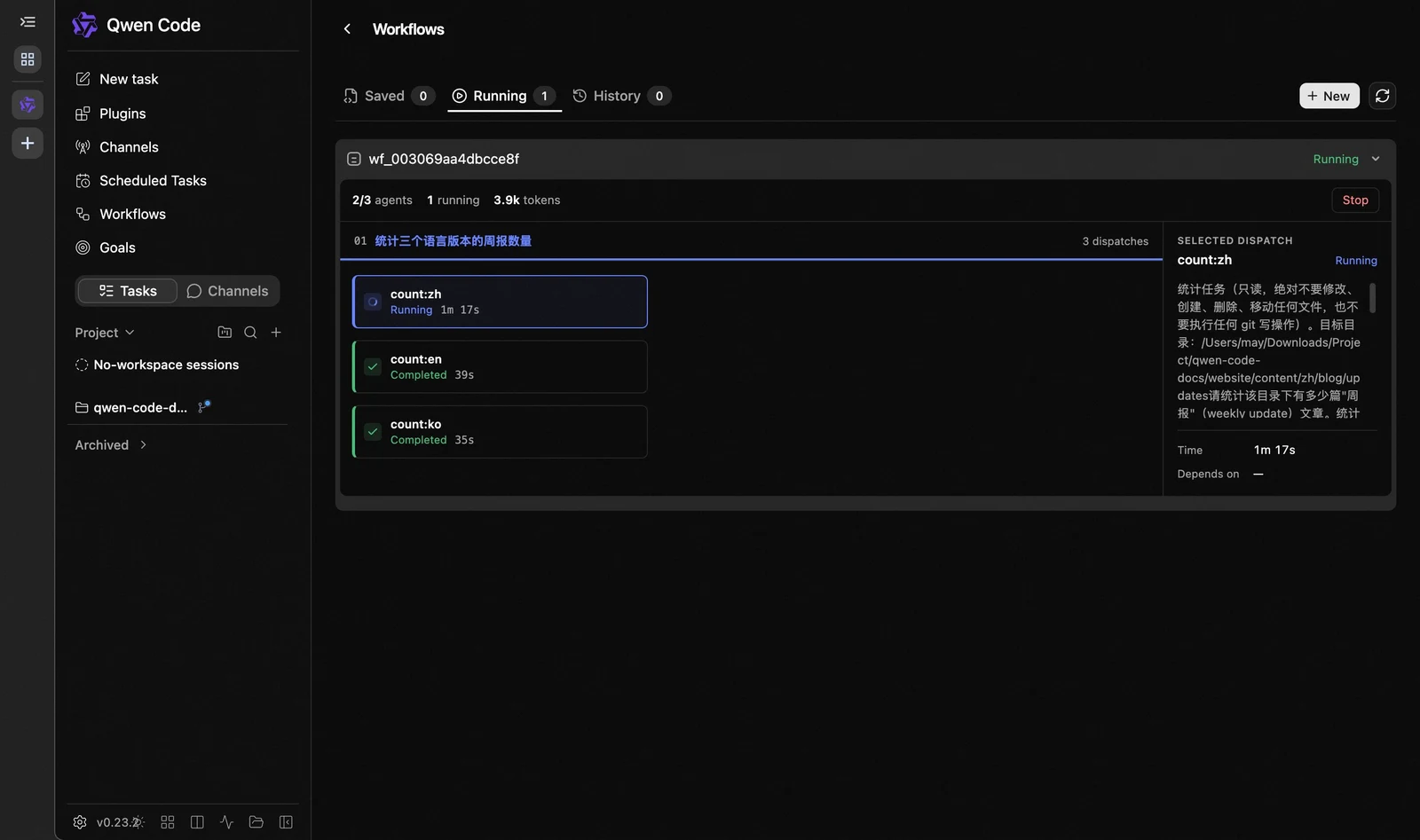
- The Web Shell adds saved, running and historical workflow views.
- Named Channel tasks can use separate Git workspaces.
The announcement
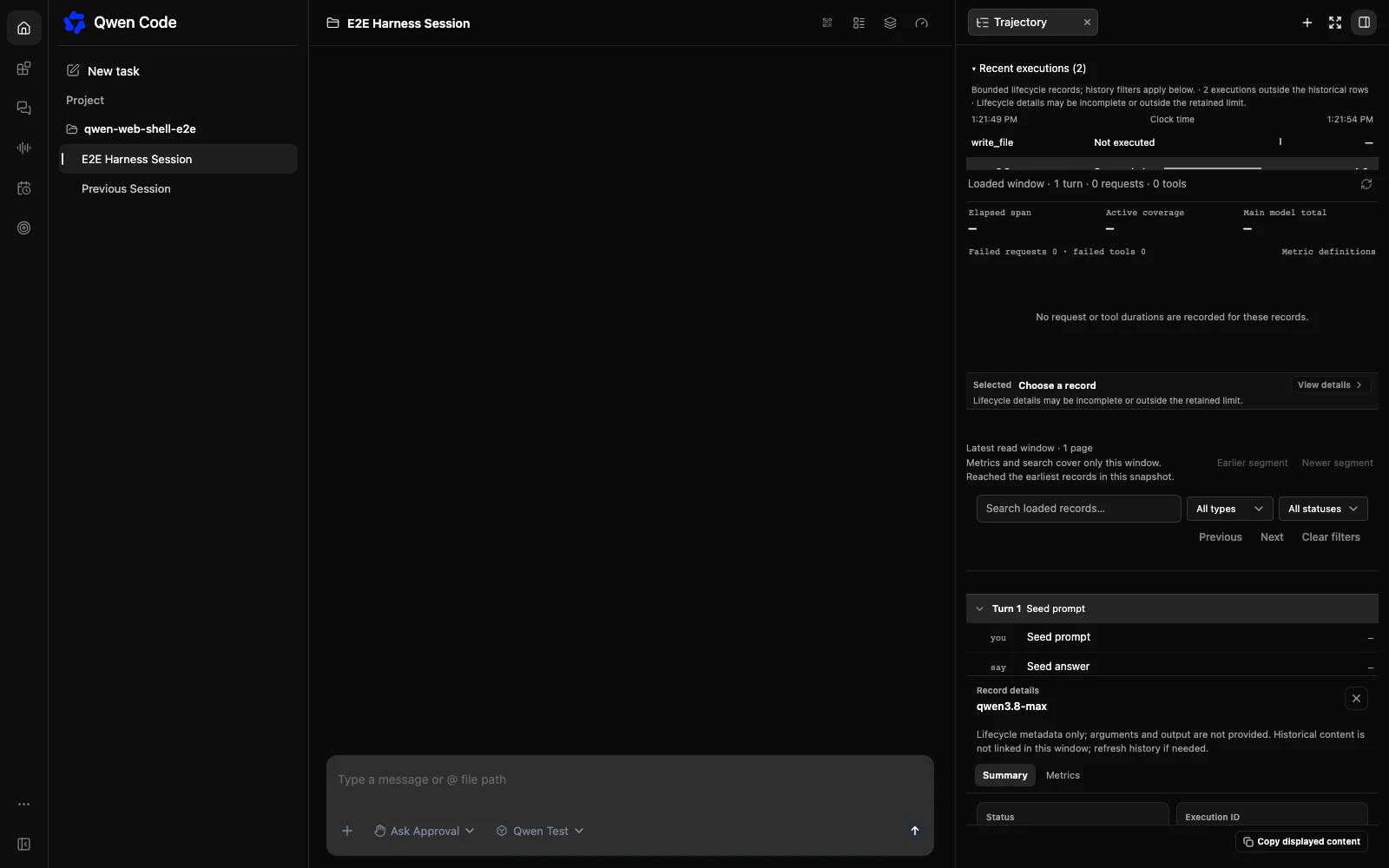
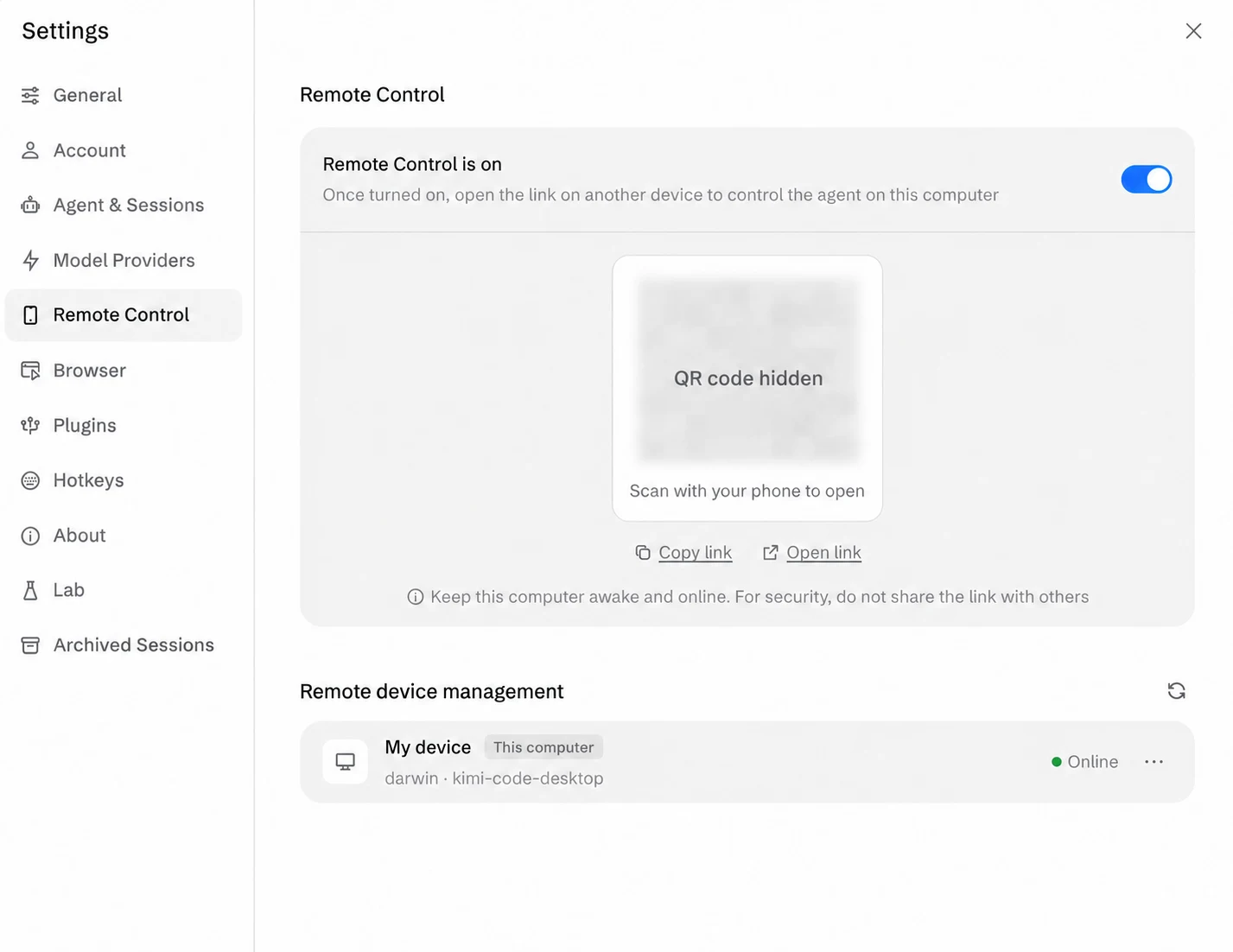
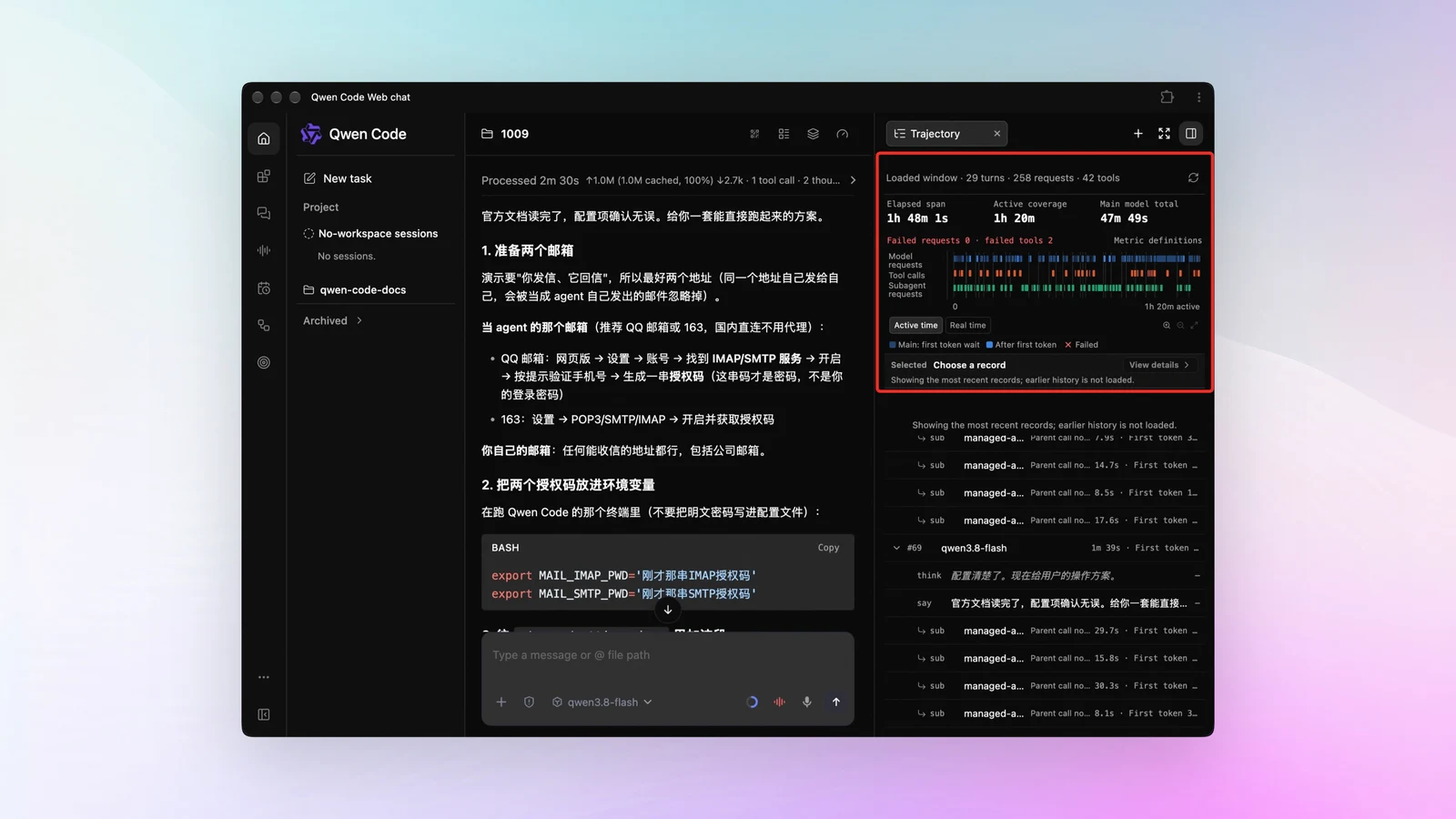
Qwen’s September 10 Code update covers versions 0.23.1 and 0.23.2. Its Web Shell adds a workflow page showing stage progress, agents, pending approvals and token spending. The release also adds a context-usage view and named Channel tasks that can run in separate Git workspaces. Planning becomes an independent switch rather than a permission mode. These are features of that dated software release, not a new underlying language model.
Editorial context
When several agents work at once, the difficult part can become understanding their progress. A dashboard is useful if it helps a person identify the stalled step and find the artifact that needs attention. Separate workspaces can also make simultaneous edits easier to review, provided the final changes are brought together with clear ownership.
Editorial context: what to watch
A small trial could run two unrelated tasks and verify that their histories and file changes remain distinguishable. Reviewers could then inspect the workflow’s recorded token use and approvals after it finishes. Those checks would show whether the interface explains real execution well enough to support a decision, beyond simply displaying more status information during a run.
Sources: Qwen Code official weekly update, September 10 ↗